Getting started with Answers From Me is quick and easy. Here's how to create your account and find experts to connect with.
Creating Your Account
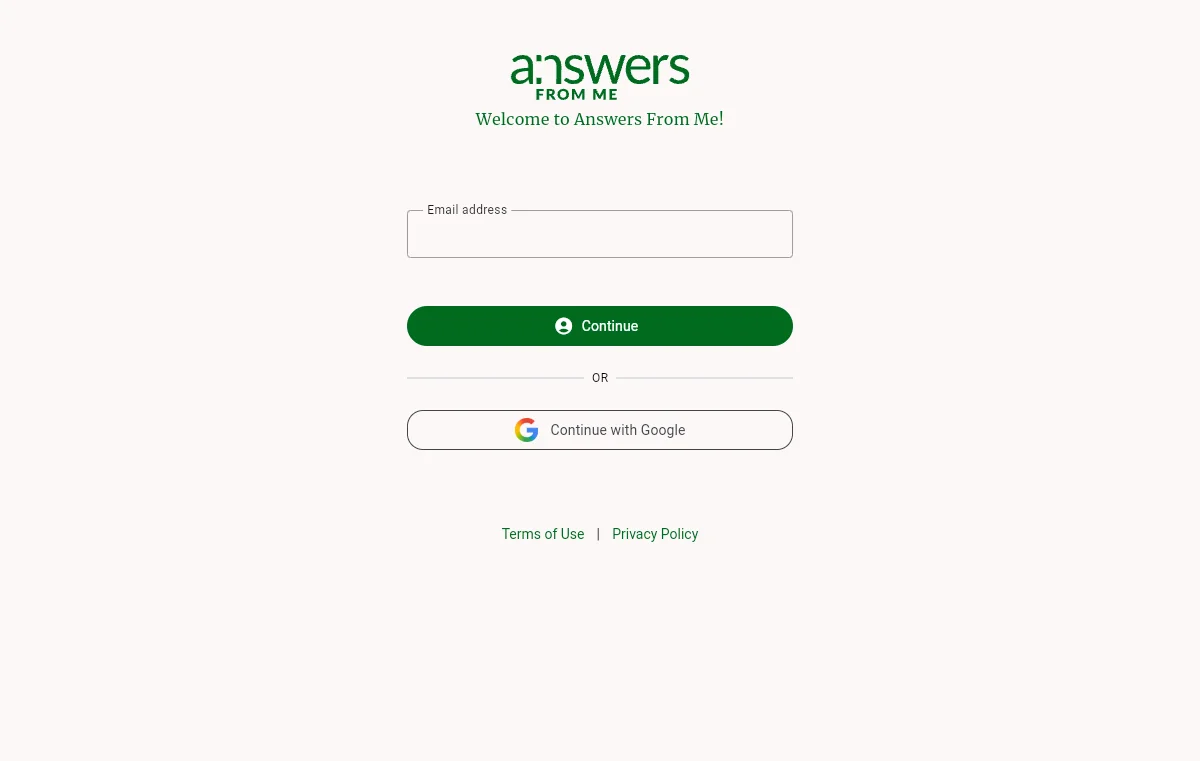
When you first visit Answers From Me, you'll see the welcome screen with a single email field. The same screen is used whether you are creating a new account or signing in to an existing one.
Sign-In and Account Creation
Enter your email address and click Continue. What happens next depends on whether you already have an account:
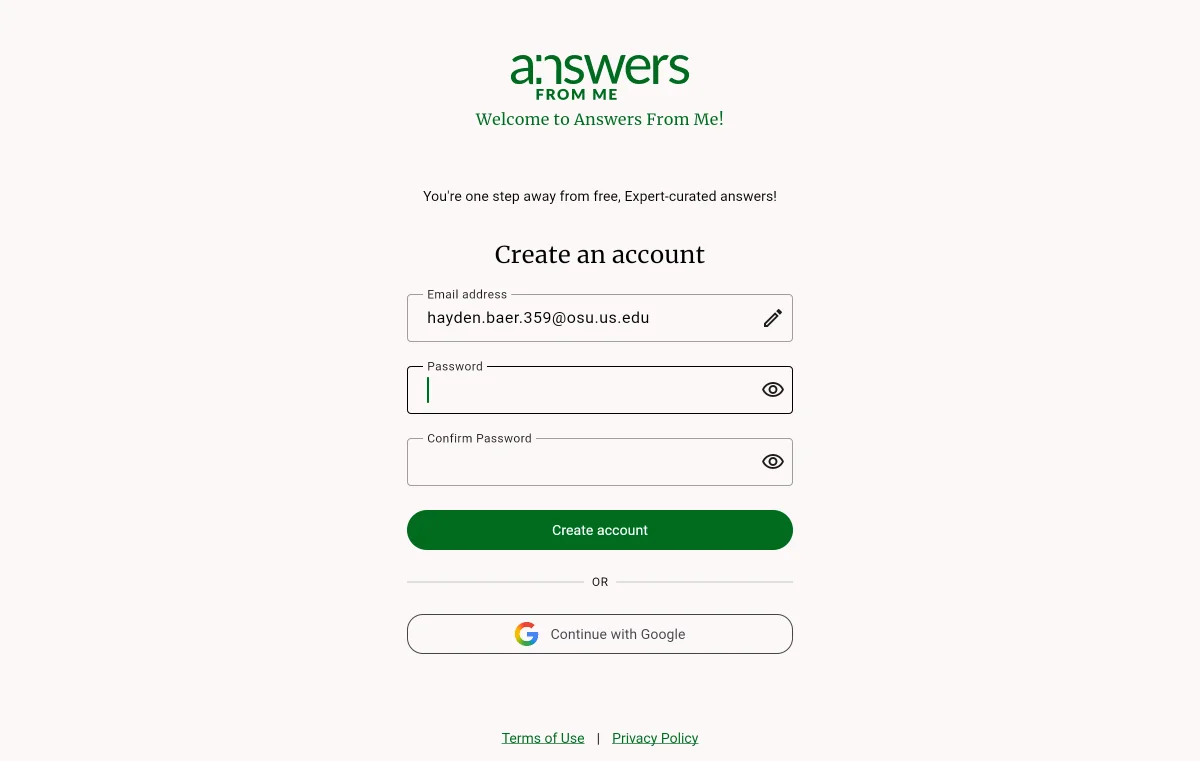
- New users — you'll see a Create an account screen where you choose a password and confirm it. You can also skip the form and use Continue with Google to sign up instantly.
- Returning users — you'll see a Welcome back screen where you can enter your password, request a magic link (a one-time sign-in link sent to your email), or use Continue with Google.
Finding an Expert
Once signed in, you can connect with an expert's Knowledge Agent in several ways:
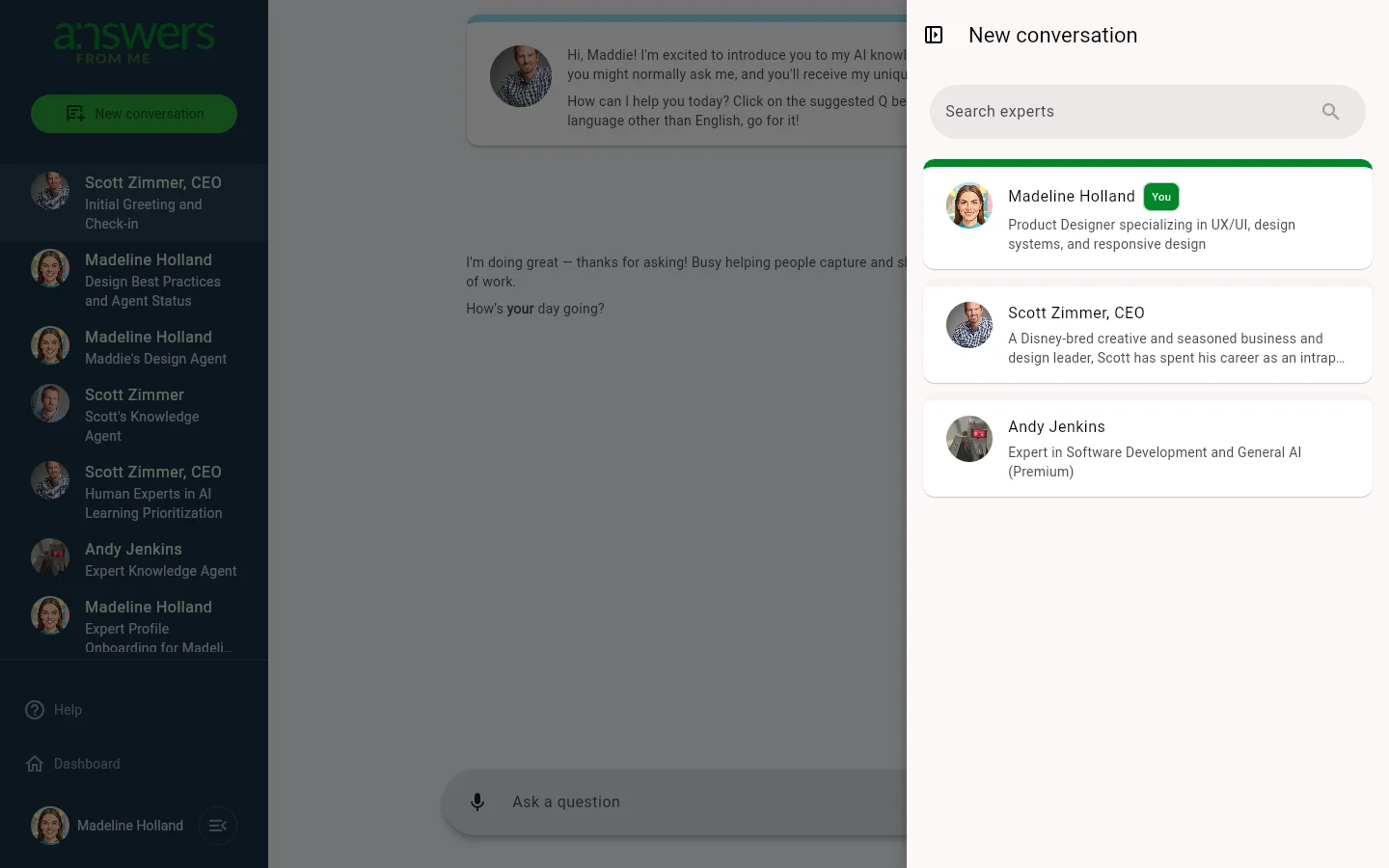
- New Conversation button — click New conversation at the top of the Chat with Expert sidebar to browse available experts and start a conversation with their Knowledge Agent
- Join link — an expert may share a direct link that takes you straight to their Knowledge Agent
- Expert Pages — visit an expert's public page (e.g.,
answersfrom.me/expert-handle) to learn about them and start chatting with their agent
Was this article helpful?
That’s Great!
Thank you for your feedback
Sorry! We couldn't be helpful
Thank you for your feedback
Feedback sent
We appreciate your effort and will try to fix the article