Many Experts already monetize their expertise through workshops, online courses, community platforms, and so on. For those experts, an Answers From Me Knowledge Agent can provide additional value to existing subscribers, and also drive new paid signups.
In order to ensure that seekers accessing your Agent are presented with the opportunity to sign up if they don't yet have a subscription, and to ensure they have access to your Agent once they are subscribed, some configuration is required to keep your external platform in sync with Answers From Me. Subscription platform integration is part of the Pro plan; see Plans, Usage and Limits.
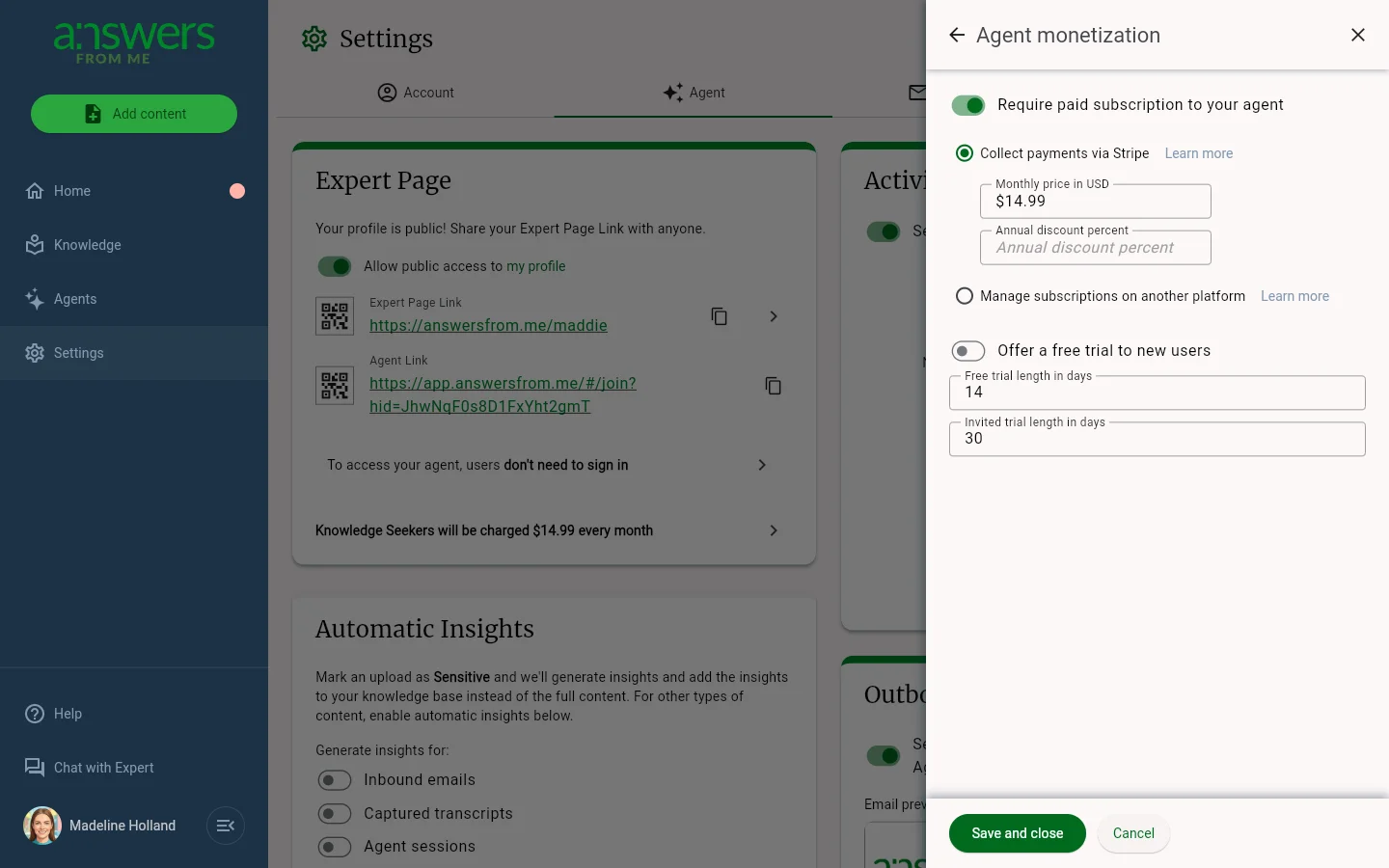
The linking is configured in the Agent monetization sheet: click Settings in your Expert Dashboard, open the Agent tab, and click the row at the bottom of the Expert Page card that says what seekers pay. Here are the steps:
- First of all, ensure Require paid subscription to your agent is enabled.
- Decide whether to Offer a free trial to new users. If enabled, seekers will be prompted to start a trial and then will receive free access to your agent for the trial period, and then will be blocked until they obtain a subscription.
- Next, select the Manage subscriptions on another platform option.
- You will then select your Subscription platform, either one of the ones listed, or Other, in which case you can enter a value. Once you select a platform, there will be some additional instructions provided. In general, events such as sign ups or cancellations are communicated externally via "webhooks" configured in the control panel of your subscription platform.
- The last values you'll need are the URLs where we should send users to 1) purchase a subscription for your platform (Product Page URL), and 2) manage an existing subscription (Subscription Page URL). These are informational and will be displayed to the user as buttons when seeing their purchase options or looking to manage an existing subscription.
- Finally, click Save and close to save the changes. If you are setting up monetization for the first time, someone from the Answers From Me team will automatically be notified to reach out to you to assist with configuration.
Was this article helpful?
That’s Great!
Thank you for your feedback
Sorry! We couldn't be helpful
Thank you for your feedback
Feedback sent
We appreciate your effort and will try to fix the article